
Mechanism explainer
Can Your Apple Watch Detect Sleep Apnea? What the FDA Approval Means and How to Use the Breathing Disturbances Feature
This article explains how the Apple Watch's FDA-cleared sleep apnea notification feature works as a screening tool for moderate-to-severe obstructive sleep apnea. It covers what the feature measures, how to set it up, real-world user experiences, accuracy data, and the critical distinction between screening and clinical diagnosis.
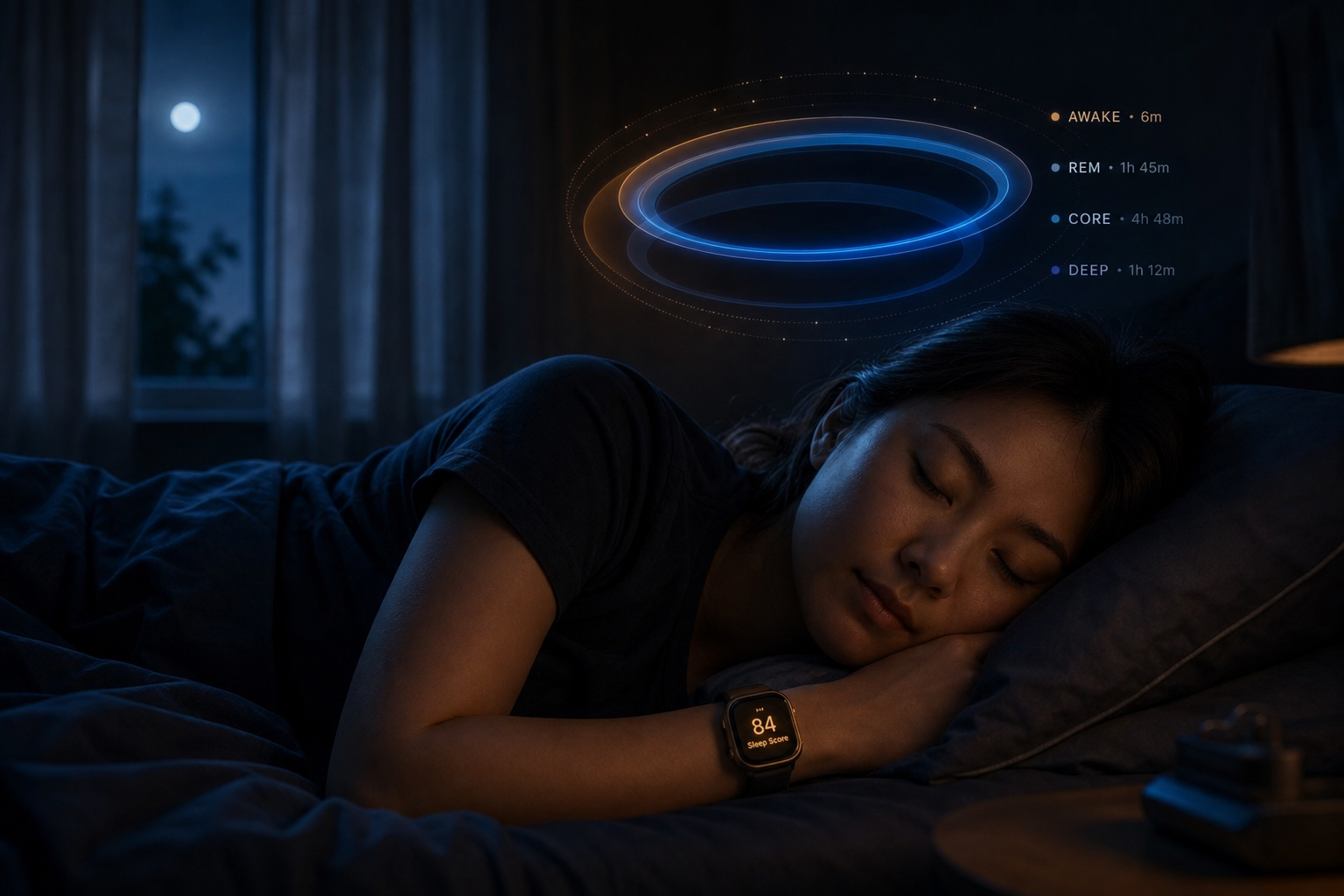
What the Apple Watch Sleep Apnea Notification Feature Actually Measures
The Apple Watch sleep apnea notification feature does not measure airflow, brain waves, or blood oxygen levels to detect apnea events directly. Instead, it relies on the watch's accelerometer to track small movements at your wrist that correspond to breathing patterns during sleep. When your breathing is interrupted — as happens in obstructive sleep apnea (OSA) — the body compensates with micro-movements that the accelerometer can detect.
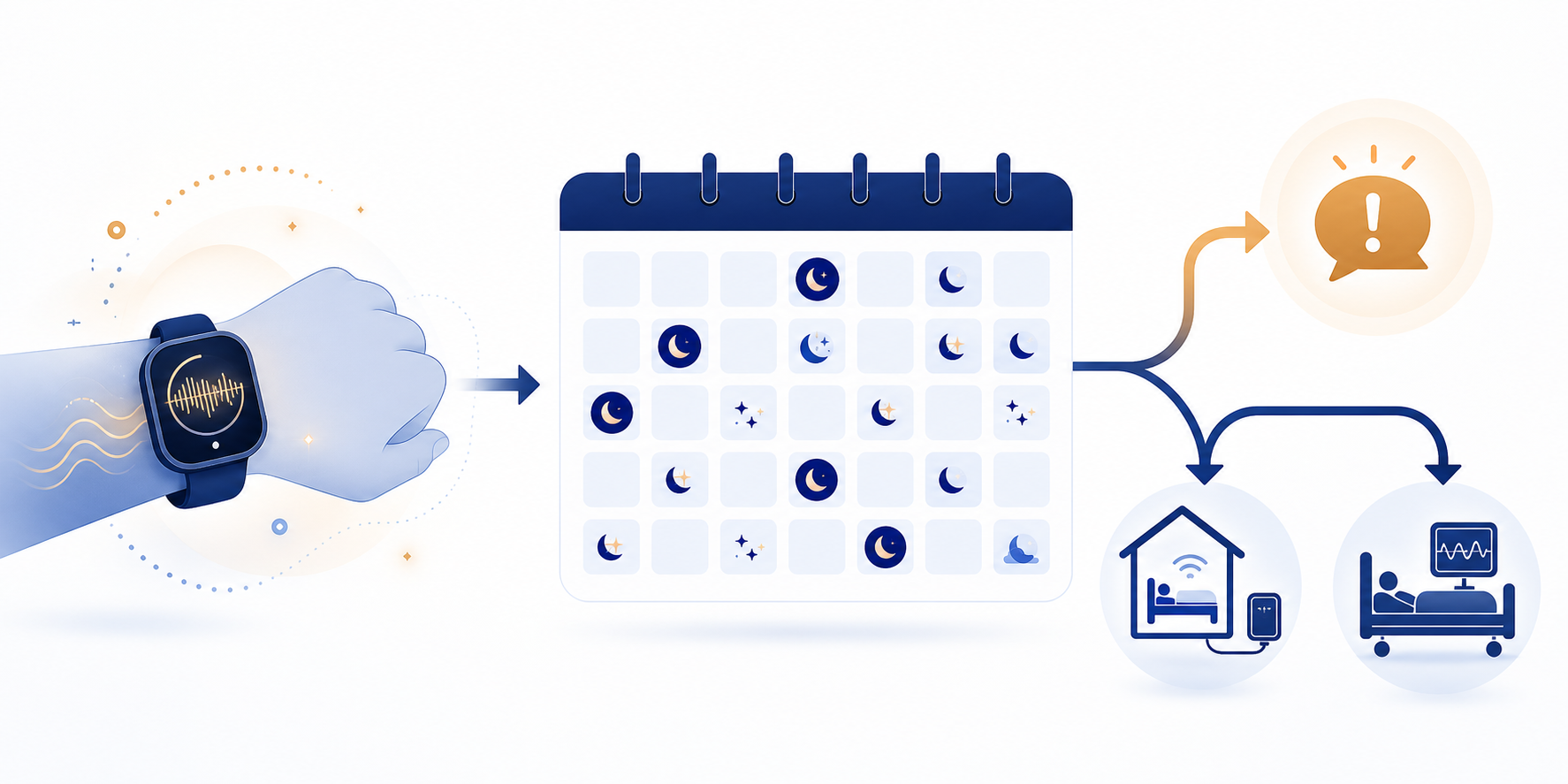
Over a 30-day evaluation period, the algorithm analyzes these movement patterns and categorizes your breathing disturbance level as either Elevated or Not Elevated. If the data consistently shows elevated breathing disturbances, you receive a notification on your Apple Watch and in the Health app suggesting you may have signs of moderate-to-severe sleep apnea. The feature was developed using data from more than five million nights of sleep collected through the Apple Heart and Movement Study, giving the algorithm a substantial training foundation.
FDA Clearance Timeline: What the September 2024 Approval Means
On September 13, 2024, Apple received FDA 510(k) clearance (number K240929) for the sleep apnea notification feature on Apple Watch Series 10, Series 9, and Ultra 2. This clearance means the FDA reviewed the device's safety and effectiveness for its intended use as a screening tool — not as a diagnostic medical device. The distinction is critical: a screening tool identifies people who may have a condition and should seek further testing, while a diagnostic device confirms the presence or absence of a disease.
The American Academy of Sleep Medicine (AASM) confirmed that Apple first introduced these notifications with the Apple Watch Series 10 in September 2024. Since then, the feature has been extended to newer models including the Series 11 and Ultra 3, all running the latest watchOS. The FDA clearance applies specifically to the breathing disturbances metric and its associated notification algorithm, not to the Apple Watch's broader sleep tracking capabilities.
How to Set Up and Use the Sleep Apnea Notification Feature
Setting up the feature is straightforward, but there are specific requirements you need to meet before the algorithm can begin its analysis.
Device and Software Requirements
- Compatible devices: Apple Watch Series 9 or later, Apple Watch Ultra 2 or later, or Apple Watch SE (3rd generation)
- Latest watchOS: Ensure your watch is updated to the most recent version
- iPhone with latest iOS: The Health app on your iPhone processes the data
- Minimum 30% battery: Apple states the watch needs at least 30% battery before bed to track a full night's sleep
- Snug fit: The watch must be worn snugly so the accelerometer can accurately register movement
- Wrist Detection enabled: This setting must be turned on for the feature to function
Setup Steps
- Open the Health app on your iPhone and tap "Browse" at the bottom.
- Navigate to "Respiratory" and select "Sleep Apnea Notifications."
- Tap "Set Up" and answer the health screening questions about your age and whether you have a prior sleep apnea diagnosis.
- Enable Sleep Tracking on your Apple Watch (Settings > Sleep > Turn on Sleep Tracking).
- Wear your watch to bed for at least 10 nights over a 30-day period. The algorithm needs this minimum data to establish a baseline.
- After 10 nights, the algorithm will analyze your data. If it detects consistently elevated breathing disturbances, you will receive a notification.
Real-World Experience: One Writer's Journey from Notification to Diagnosis
A writer for SleepApnea.org documented his personal experience with the feature. After wearing his Apple Watch for 25 days — well past the 10-night minimum — he received a "possible sleep apnea" notification. The notification prompted him to consult his doctor, who ordered a home sleep test. The test confirmed mild obstructive sleep apnea.
This account illustrates the intended workflow: the watch flags a potential issue, the user follows up with a healthcare provider, and a medical-grade test provides the definitive answer. It is important to note that this is a single anecdote, not a clinical trial. Not everyone who receives a notification will have sleep apnea, and not everyone with sleep apnea will receive a notification.
How Accurate Is the Apple Watch Sleep Apnea Detection?
The most commonly cited accuracy figure for this feature comes from Empirical Health, a third-party health analytics company. Their analysis found that Apple's algorithm detects approximately 89% of severe sleep apnea cases. This is a promising number for a screening tool, but it comes with important caveats.
First, this figure has not been published in a peer-reviewed journal. It comes from Empirical Health's own analysis of Apple's algorithm, not from an independent, controlled study. Second, the 89% figure applies specifically to severe sleep apnea — the detection rate for moderate or mild cases may be lower. Third, a screening tool's usefulness depends not only on its sensitivity (how well it catches true cases) but also on its specificity (how well it avoids false alarms). Specificity data for this feature has not been publicly released.
Who Should Use This Feature? Risk Factors and Symptoms to Watch For
The feature is most useful for adults who have not been diagnosed with sleep apnea but experience one or more of the following symptoms:
- Loud, persistent snoring that disrupts your bed partner
- Episodes of gasping for air or choking during sleep
- Excessive daytime sleepiness despite spending enough time in bed
- Morning headaches or a dry mouth upon waking
- Waking up frequently during the night to urinate
- Irritability, mood changes, or difficulty concentrating during the day
- High blood pressure or a history of cardiovascular issues
If you recognize several of these symptoms, the Apple Watch screening feature can be a useful first step. However, it is not a substitute for understanding the condition itself. For a comprehensive overview of sleep apnea — including its causes, diagnostic criteria, and treatment options — see our obstructive sleep apnea condition guide.
Important Limitations: What the Apple Watch Cannot Do
The Apple Watch sleep apnea notification feature is a valuable screening tool, but it has clear boundaries. Understanding these limitations is essential to avoid over-relying on the device or misinterpreting its results.
- Not a diagnostic device: The feature cannot confirm a sleep apnea diagnosis. Only a home sleep test or in-lab polysomnography can do that.
- Does not measure airflow or brain waves: Unlike polysomnography, the Apple Watch does not track nasal airflow, chest effort, or EEG brain activity — the gold-standard measurements for sleep apnea diagnosis.
- Requires minimum 30% battery: If your watch battery is below 30% when you go to bed, it will not track sleep data that night.
- Limited device compatibility: The feature only works on Apple Watch Series 9 or later, Ultra 2 or later, and SE (3rd generation). Older models cannot use it.
- Not intended for those already diagnosed: If you already have a sleep apnea diagnosis, this feature is not designed for you. It is a screening tool for undiagnosed individuals.
- Sleep stage accuracy limitations: While the Apple Watch tracks sleep stages, its accuracy has known limitations. For a detailed breakdown of how Apple Watch compares to polysomnography for sleep staging, see our Apple Watch sleep tracking accuracy review.
Next Steps If You Receive a Sleep Apnea Notification
Receiving a sleep apnea notification can be unsettling, but it is important to approach it calmly and methodically. The notification is a starting point, not a conclusion.
- Do not panic. The notification means the algorithm detected elevated breathing disturbances, not that you definitely have sleep apnea.
- Review the data in the Health app. Open the Health app on your iPhone, go to "Respiratory," and select "Sleep Apnea Notifications" to see the detailed breathing disturbance data over the 30-day period.
- Consult a healthcare provider. Share the notification and data with your primary care physician or a sleep specialist. They can assess your symptoms and risk factors.
- Consider a home sleep test. Your doctor may prescribe a home sleep apnea test (HSAT), which you can complete in your own bed. This is often the first step in confirming a diagnosis.
- If needed, schedule an in-lab polysomnography. For complex cases or inconclusive home test results, a full overnight sleep study in a lab provides the most comprehensive data.
- Explore treatment options. If diagnosed, treatment may include lifestyle changes, CPAP therapy, oral appliances, or positional therapy. For more information, visit our Sleep Apnea FAQ for answers to common questions about diagnosis and treatment.
How Apple Watch Compares to Other Sleep Apnea Detection Options
The Apple Watch is one of several tools available for sleep apnea screening and detection. Each option has different strengths, limitations, and levels of clinical validation. The table below summarizes the key differences.
| Detection Method | How It Works | FDA Status | Best For |
|---|---|---|---|
| Apple Watch (Series 9+) | Accelerometer detects breathing disturbances from wrist movements | FDA 510(k) cleared for screening | Initial screening for undiagnosed adults |
| Home Sleep Test (HSAT) | Measures airflow, breathing effort, and oxygen levels via sensors on the body | FDA-cleared for diagnosis | Confirming a suspected diagnosis at home |
| In-Lab Polysomnography (PSG) | Comprehensive monitoring: brain waves, eye movements, heart rate, airflow, oxygen, and more | Gold standard for diagnosis | Complex cases or when HSAT results are inconclusive |
| CPAP Machine Monitors | Built-in sensors track apnea-hypopnea index (AHI) and therapy effectiveness | FDA-cleared for therapy management | Monitoring treatment efficacy in diagnosed patients |
| Other Wearables (Oura Ring, Fitbit) | Various sensors (accelerometer, heart rate, SpO2) estimate sleep quality and disturbances | Not FDA-cleared for sleep apnea screening | General sleep tracking; limited apnea-specific utility |
For readers evaluating overall sleep tracking capabilities across different wearables — including sleep stage accuracy, heart rate variability, and battery life — our best sleep tracking watch comparison provides a data-driven side-by-side analysis of Oura, Apple, Whoop, Fitbit, and Samsung devices.
Supports these guides
Spot an error or have clinical feedback?
Because this article covers clinical, medication, or safety information, we use a moderated correction channel instead of open public comments. Let us know if something about “Can Your Apple Watch Detect Sleep Apnea? What the FDA Approval Means and How to Use the Breathing Disturbances Feature” needs a closer look.
Send feedback on this article