
If you already own an Apple Watch, the question in 2026 is no longer whether it can track sleep. It can. The real decision is whether watchOS 26’s native Sleep app gives you enough signal, or whether one of the sleep trackers for Apple Watch solves a narrower problem more cleanly.
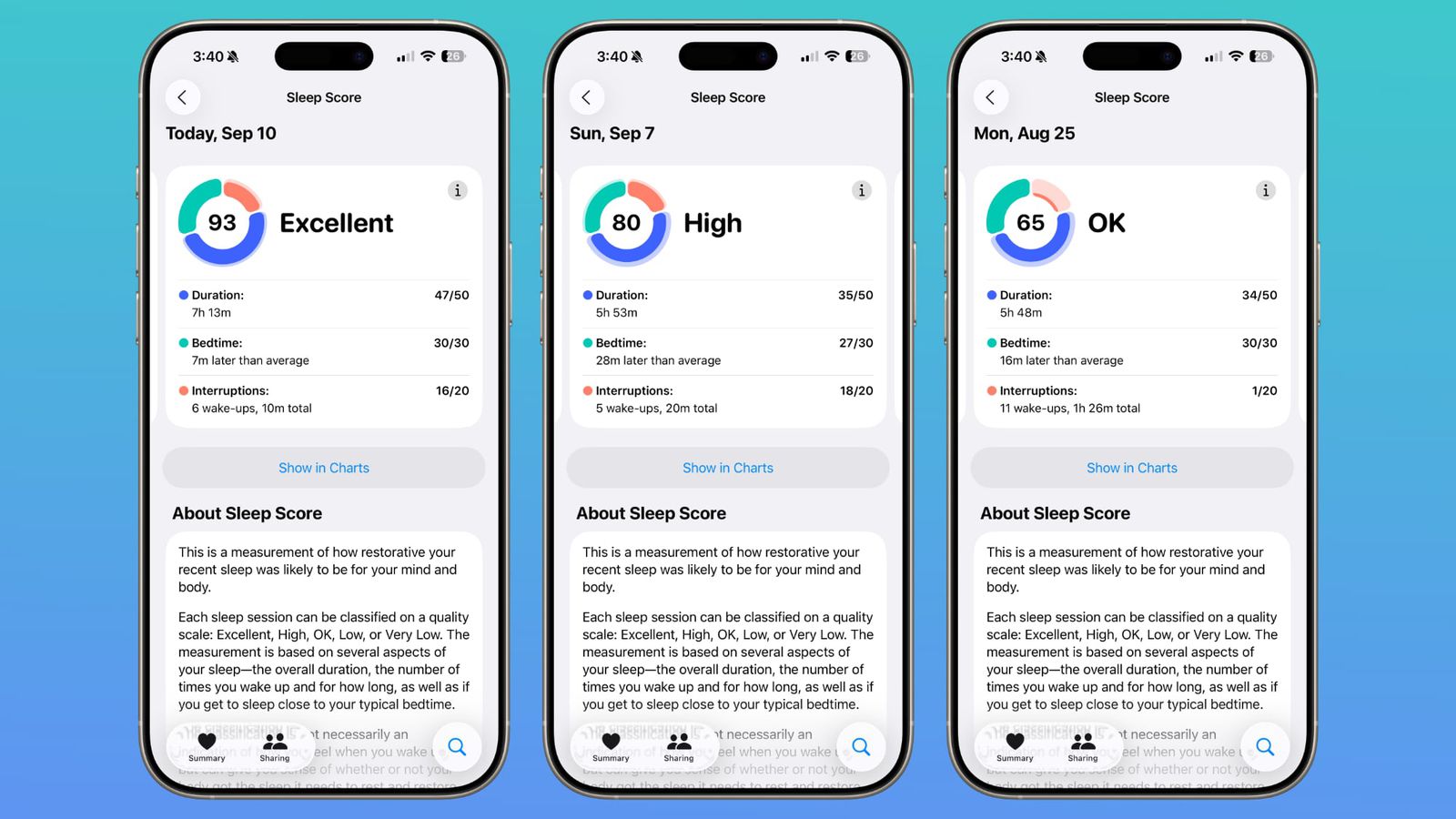
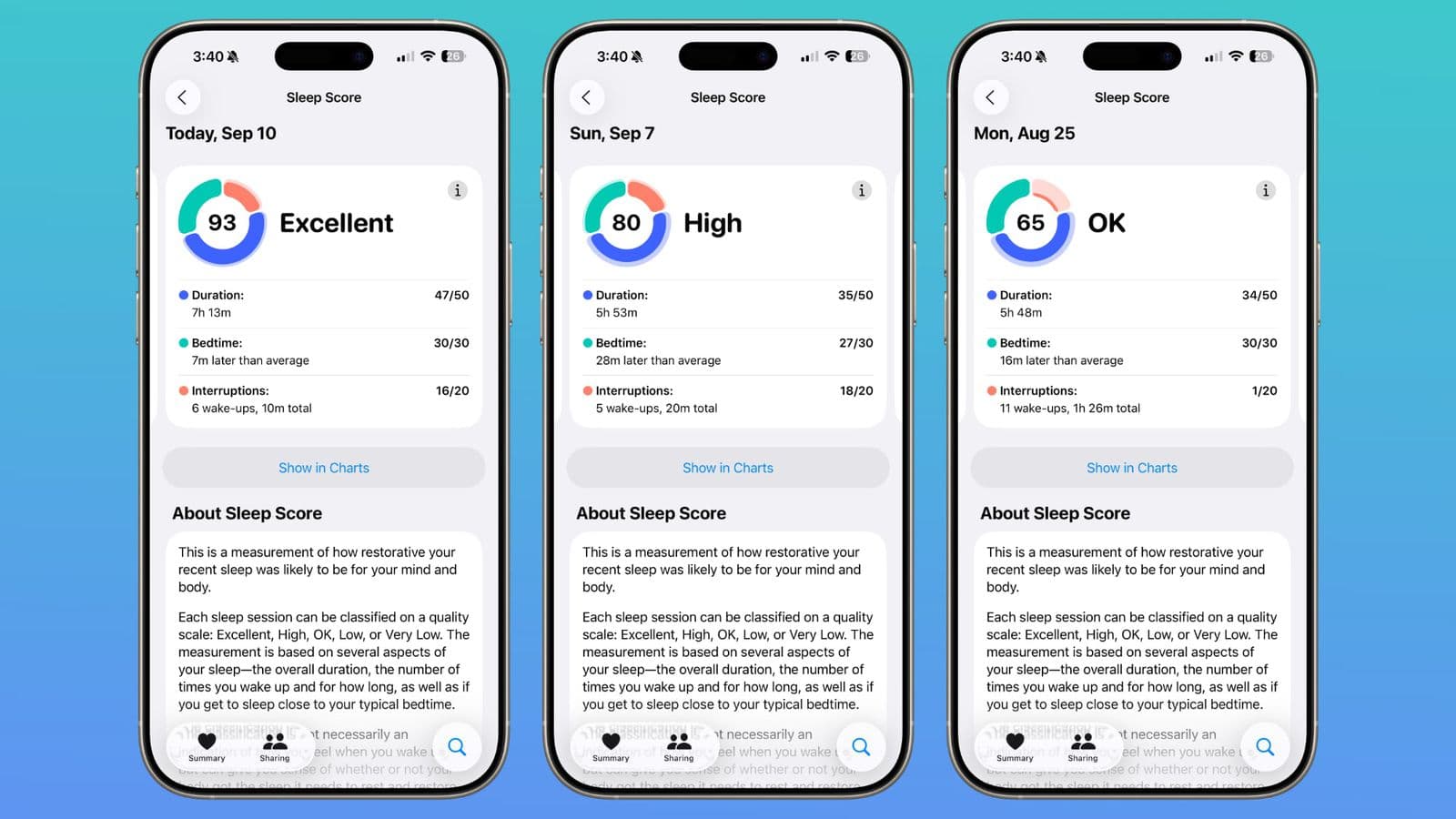
watchOS 26 changed the baseline. Sleep Score is now a 0–100 score built from 5 million nights of Apple Heart & Movement Study data and developed with the American Academy of Sleep Medicine, the National Sleep Foundation, and the World Sleep Society.[1] The same app also shows sleep stages, heart rate, respiratory rate, wrist temperature on supported models, and sleep apnea notifications on newer watches.[2]
The native Sleep app is now enough for a lot of people
That matters because a lot of Apple Watch owners do not need a second opinion. If you mainly want a quick read on whether last night was good, weak, or somewhere in between, Apple’s restraint is useful. It keeps you from buying another dashboard just to tell you what the watch already knows.
The native app is the right call for minimalists and trend-checkers. It gives you a summary you can actually use in the morning without turning sleep into a hobby.
The five gaps that still justify a third-party app
The useful filter is whether an app fills one of five things Apple still leaves open: automatic nap detection, sleep debt or sleep bank tracking, snore or sleep-talk audio recording, smart alarms, and readiness or coaching scores. The third-party market mostly splits along those lines, and the pricing range is wide enough that the purchase should follow the problem, not the app-store ranking.[3]
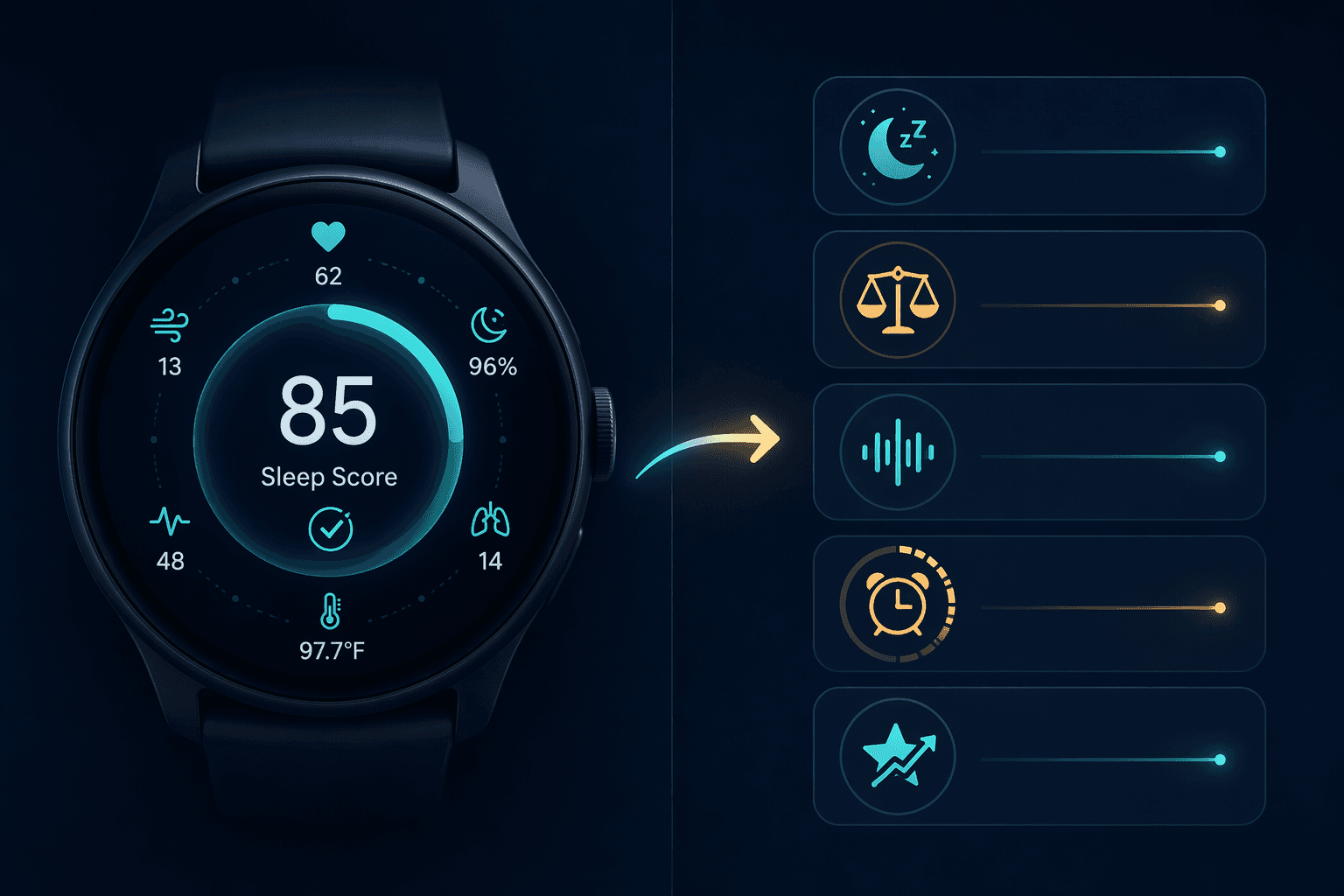
- Automatic nap detection: AutoSleep or NapBot.
- Sleep debt or sleep bank tracking: AutoSleep.
- Audio recording for snoring or sleep talk: Pillow or Sleep Cycle.
- Smart alarms that try to wake you in lighter sleep: Sleep Cycle.
- Readiness or coaching scores: SleepWatch, with Pillow as the more stage-and-alarm-focused alternative.
AutoSleep is the clearest paid upgrade for many owners
AutoSleep is the first app to look at if the real problem is accumulated sleep debt or missed naps. Its $4.99 one-time price is a meaningful distinction in a market that otherwise leans subscription-heavy, and Wareable’s comparison highlights the practical extras that make it stand out: sleep bank or debt tracking, automatic nap detection, readiness scoring, and a rings-style interface that feels natural on Apple Watch.[3]
That combination matters because it changes what you can do the next morning. Apple’s native app can tell you how you slept. AutoSleep tries to answer whether you are falling behind, whether a nap helped, and whether the pattern is drifting in the wrong direction.
Sleep Cycle is for the person who hates waking up abruptly
Sleep Cycle earns its keep when morning grogginess is the complaint. Its smart alarm with a configurable wake window is the point; trend comparisons and Philips Hue integration are secondary, even if they are nice to have.[3] If you care about being nudged awake during a lighter sleep window, that is the feature that changes tomorrow morning, not just the spreadsheet.
It also covers audio-based snore or sleep-talk recording, which gives it a different use case from Apple’s built-in app. That is useful only if you will actually listen back and act on it.
Pillow and SleepWatch are more about interpretation than raw logging
Pillow is the better fit when you want a stronger sleep-stages view plus audio recording and a smart alarm, but do not want to leave the Apple Watch ecosystem.[3] At $4.99 per month, it has to justify itself by making last night easier to understand, not by piling on another layer of decorative data.
SleepWatch is the app for people who want coaching-style feedback. Wareable notes its AI coaching insights, heart-rate-dip tracking, and blood oxygen support on Series 6 and later.[3] That can be useful if you want a nudge toward a better pattern, but it is still interpretation, not a clinical verdict.
Sleep++ and NapBot sit on the lighter end of the spectrum
Sleep++ is the simplest answer if you want automatic tracking without paying for much else, and NapBot is the more specific option if naps and breathing-quality framing matter to you.[3] Neither is trying to replace Apple with a grand theory of sleep. They are smaller tools for people who want less fuss.
The shortest decision rule
Use the native Apple Sleep app if you mainly want a clean trend line and do not want another subscription. Choose AutoSleep if sleep debt or naps are the issue. Choose Sleep Cycle if the problem is waking up too hard. Choose Pillow or SleepWatch if you want audio, coaching, or more interpretive feedback. Choose NapBot if you want a lighter nap-focused option. The point is not to buy the app with the most charts; it is to buy the one that fills the gap Apple still leaves open.
References
- How Sleep Score works on Apple Watch with watchOS 26 — AppleInsider, September 12, 2025
- Track your sleep on Apple Watch and use Sleep on iPhone — Apple Support
- The best sleep tracking app for Apple Watch — Wareable
Comments
Join the discussion with an anonymous comment.